 newoaks.ai
newoaks.ai › Blog › How to Connect WhatsApp Business API to an AI Chatbot for Automated Lead Capture
← All articlesHow to Connect WhatsApp Business API to an AI Chatbot for Automated Lead Capture

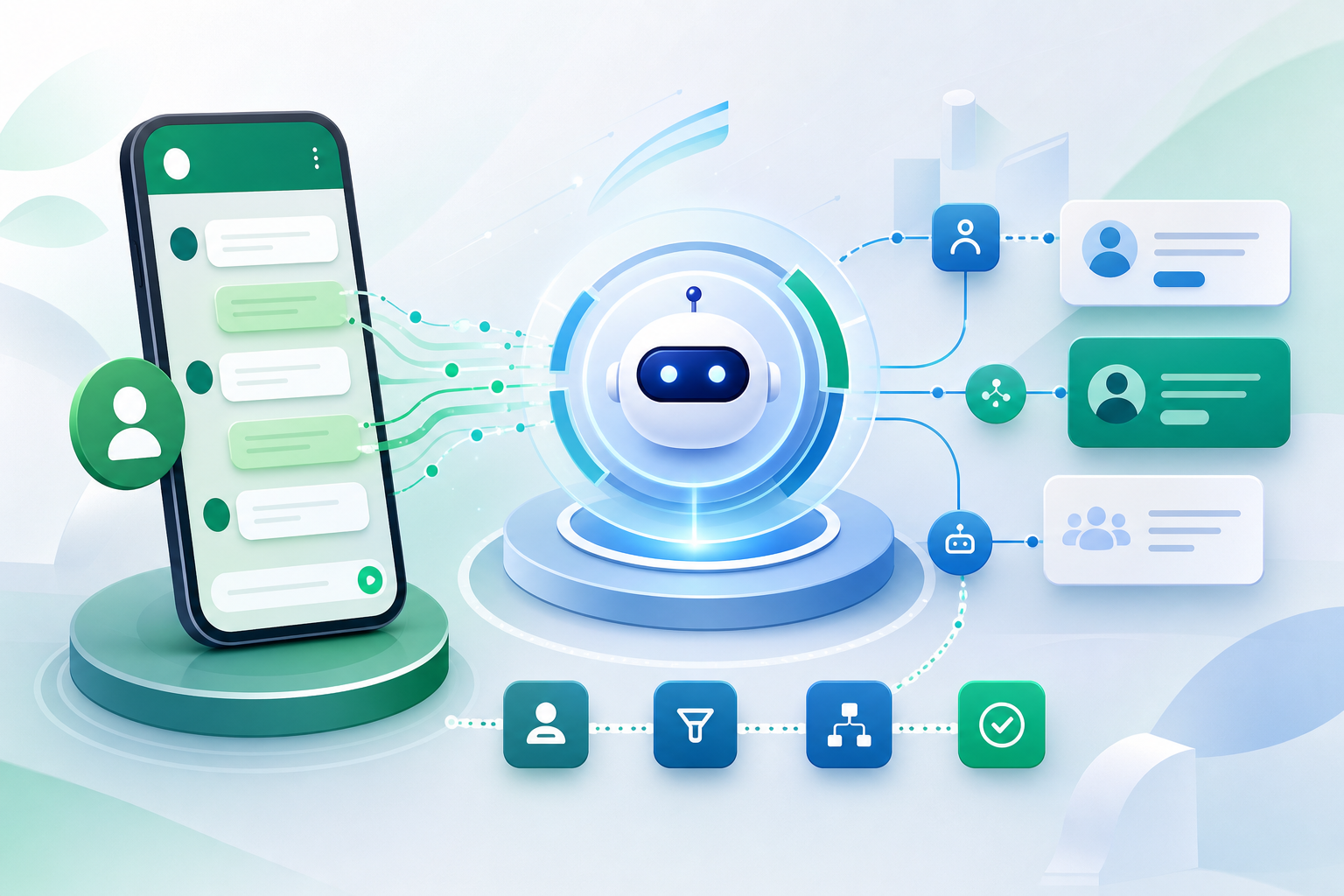
Connecting WhatsApp Business API to an AI chatbot for lead capture usually requires four parts: official API access, a webhook to receive messages, an AI layer to qualify and respond, and automation to store leads or book appointments. The safest path is to use the official WhatsApp Business Platform and design clear opt-in, handoff, and compliance flows from the start.
Why connect WhatsApp Business API to an AI chatbot for lead capture?
Yes. WhatsApp is a strong lead-capture channel because it combines high reach with direct, conversational engagement. A chatbot can qualify prospects instantly, answer common questions, and hand hot leads to sales without making users leave the app.
The business case is simple: people already reply on WhatsApp, so reducing friction matters. One research brief source states WhatsApp has over 2 billion users and a 98% message open rate, which helps explain why businesses use it for customer engagement and automated lead capture (SpiderHunts).
For many teams, WhatsApp works best when the bot does three jobs well:
- captures contact details and intent
- qualifies the lead with a short question flow
- triggers a next step such as a CRM update or appointment booking
What do I need to connect WhatsApp Business API to an AI chatbot?
You need official WhatsApp API access, a message-ingestion layer, an AI response system, and a workflow destination for captured leads. If any one of these pieces is missing, the bot may reply, but it will not reliably convert conversations into usable sales opportunities.
A practical setup usually includes:
1. WhatsApp Business Platform access
Access can come directly from Meta or through a Business Solution Provider. The research brief specifically notes that builders often use Meta directly or providers such as Twilio or 360dialog (SpiderHunts).
2. Webhook endpoint
Inbound WhatsApp messages need to hit a webhook so your app can parse the sender, message body, media, and context.
3. AI response pipeline
Your logic layer decides whether to greet, ask qualifying questions, answer FAQs, collect details, or escalate. The same research brief source lists an AI-response pipeline and GDPR-compliant opt-in workflow as core requirements (SpiderHunts).
4. Lead destination
Captured data should go somewhere useful: a CRM, spreadsheet, help desk, or booking system.
5. Human handoff
Your flow should allow a person to step in when the conversation becomes high-value, sensitive, or complex.
How does the WhatsApp-to-AI architecture work in practice?
The flow is straightforward: WhatsApp receives the user message, sends it to your webhook, your AI decides what to do next, and your system posts the reply back through the API. Lead details and tags can be stored during the conversation instead of waiting until the end.
A minimal architecture looks like this:
- user sends a WhatsApp message
- WhatsApp Business API sends an inbound event to your webhook
- your app verifies the event and reads the message
- AI classifies intent and drafts the next response
- business rules check confidence, compliance, and escalation conditions
- your app sends the approved reply through the API
- the system writes lead data to CRM or booking tools
This pattern is reflected in WABridges, which describes a full REST API model where inbound messages arrive as webhooks, an AI model generates responses, and replies are sent back by API.
If you want richer automation, respond.io describes WhatsApp AI agents that handle intent detection, lead qualification, workflow automation, CRM updates, tagging, and human handoffs.
What is the best way to capture leads instead of just answering questions?
The best lead-capture bots ask short, progressive questions tied to intent and then save the answers immediately. A bot that only chats is not enough; a bot that qualifies, scores, routes, and books is much more useful for sales.
A simple lead-capture sequence often includes:
- greeting and consent language
- intent detection: sales, support, booking, pricing, demo
- qualification: company, need, timeline, budget, location, urgency
- confirmation of phone or email
- next step: book a call, route to sales, or send follow-up
This is why some no-code and platform tools emphasize qualification features. The research brief notes that Wati Astra includes lead scoring using BANT, multilingual switching, cross-channel memory, and voice-cloned calls. That illustrates a broader design principle: the bot should remember context and move the buyer toward a concrete outcome.
If your goal is booked appointments rather than raw inquiries, a platform like NewOaks AI is most relevant when you want one system to capture, qualify, and book across WhatsApp plus other channels such as phone, SMS, web chat, Instagram, Messenger, and email. That matters when leads start in WhatsApp but convert better after a voice follow-up or multi-step reminder flow.
Should I build the integration myself or use a no-code platform?
Build it yourself if you need full control over data, logic, and integrations. Use a no-code or low-code platform if speed matters more than custom engineering and your workflow fits within the platform’s capabilities.
A custom build is better when you need:
- proprietary qualification logic
- strict internal security controls
- custom CRM or backend integrations
- advanced routing or account-level personalization
A platform is better when you need:
- faster deployment
- a visual builder
- shared inbox and agent tools
- template and broadcast support
- easier maintenance
Examples from the research brief show both approaches. Botpress offers official WhatsApp integration with multimedia messaging, real-time notifications, two-way messaging, personalization, and workflow triggers. Whatso offers a visual builder on top of the official WhatsApp Business Cloud API, with greeting, routing, qualification, shared inbox, template replies, and broadcasts.
What compliance and policy issues should I check before launching?
Check opt-in, data handling, escalation, and current Meta policy restrictions before you build. The technical connection is only half the project; the other half is making sure your use case is allowed and your lead flow is compliant in the markets you serve.
The research brief specifically says GDPR-compliant opt-in workflows are required in a standard WhatsApp AI lead-capture setup (SpiderHunts). That means you should define:
- how users consent to receive messages
- what data you store
- how long you retain it
- how users can request deletion or human help
There is also a platform-policy issue to verify before implementation. The brief cites a TechRadar report that Meta introduced policy restrictions effective in 2026 that prohibit general-purpose AI chatbots from accessing the WhatsApp Business API, favoring Meta’s own assistant. The brief also cites an AP News report that the EU opened an antitrust investigation into these AI policies.
Because these restrictions affect architecture choices, confirm current eligibility and allowed use cases directly with your provider and Meta documentation before launch.
Does the official Cloud API matter, or can I still use the old on-premise API?
Yes, the Cloud API matters. Current planning should center on the WhatsApp Business Platform Cloud API rather than the retired on-premise model.
The research brief states Meta deprecated the on-premise API and fully sunset it by October 23, 2025, citing the WhatsApp entry on Wikipedia. Even if you use an intermediary platform, verify that it sits on the official Cloud API and not a legacy or unofficial connection.
This matters for reliability, compliance, and long-term support.
What should the first automated lead-capture flow look like?
Start small. Your first WhatsApp AI flow should answer one high-intent use case well, such as demo requests or appointment booking, instead of trying to automate every conversation from day one.
A solid first flow is:
1. greet the user
2. ask what they need
3. identify whether they are a lead or support request
4. collect name and contact details
5. ask 2-4 qualification questions
6. offer available next steps
7. book or route the lead
8. confirm follow-up
Keep questions short. Save every answer as structured data. Add handoff rules such as:
- user asks for a human
- lead shows buying intent
- AI confidence is low
- message concerns billing, legal, or sensitive account issues
If you also need voice follow-up, an AI phone agent can complement WhatsApp by calling unresponsive leads, confirming appointments, or handling after-hours inquiries. That is one area where NewOaks AI can fit naturally, especially for businesses that want a voice-first system in addition to chat-based lead capture.
How do I measure whether the integration is working?
Measure business outcomes, not just chatbot activity. A WhatsApp bot is successful when it produces qualified leads, booked meetings, and faster response times without creating support overhead.
Track at least these metrics:
- number of inbound conversations
- lead capture rate
- qualification completion rate
- booking rate
- human handoff rate
- response latency
- blocked or failed messages
- opt-out rate
Also review transcripts weekly. You will usually find that the biggest gains come from tightening qualification prompts, rewriting unclear fallback replies, and improving handoff timing.
FAQ
How do I connect WhatsApp Business API to ChatGPT or another AI model?
The standard method is to connect the official WhatsApp Business API to a webhook, send inbound messages into your application, pass them through an AI model or rules engine, and then return the reply through the API. You also need lead storage, human handoff rules, and compliant opt-in handling.
Can I use a no-code tool instead of building the integration myself?
Yes. A no-code or low-code platform is often the fastest route if you need a working WhatsApp lead bot quickly. These tools usually provide the API connection, flow builder, inbox, templates, and routing, while a custom build gives more control over data and logic.
What’s the difference between a WhatsApp chatbot and a lead-generation bot?
A basic chatbot answers questions, but a lead-generation bot actively captures contact details, qualifies the buyer, tags the conversation, and triggers the next step such as CRM creation or appointment booking. The difference is not the channel; it is the workflow and conversion design.
Do I need the WhatsApp Cloud API specifically?
Yes. For new projects, you should plan around the official WhatsApp Business Platform Cloud API. Legacy on-premise options are no longer the safe default for implementation planning, and any platform you use should clearly state that it connects through the official API.
Can WhatsApp AI bots hand conversations to human agents?
Yes. Human handoff is a standard part of serious WhatsApp automation. Good setups detect buying signals, low AI confidence, or user requests for a person, then route the conversation to sales or support with the collected lead data and transcript context attached.
References
- https://spiderhunts.com/blog/whatsapp%E2%80%91ai%E2%80%91chatbot%E2%80%91development%E2%80%91guide
- https://www.wati.io/products/astra/blog/automate%E2%80%91business%E2%80%91conversations%E2%80%91with%E2%80%91whatsapp%E2%80%91ai%E2%80%91agent
- https://respond.io/blog/whatsapp%E2%80%91ai%E2%80%91agent
FAQ
How do I connect WhatsApp Business API to ChatGPT or another AI model?
The standard method is to connect the official WhatsApp Business API to a webhook, send inbound messages into your application, pass them through an AI model or rules engine, and then return the reply through the API. You also need lead storage, human handoff rules, and compliant opt-in handling.
Can I use a no-code tool instead of building the integration myself?
Yes. A no-code or low-code platform is often the fastest route if you need a working WhatsApp lead bot quickly. These tools usually provide the API connection, flow builder, inbox, templates, and routing, while a custom build gives more control over data and logic.
What’s the difference between a WhatsApp chatbot and a lead-generation bot?
A basic chatbot answers questions, but a lead-generation bot actively captures contact details, qualifies the buyer, tags the conversation, and triggers the next step such as CRM creation or appointment booking. The difference is not the channel; it is the workflow and conversion design.
Do I need the WhatsApp Cloud API specifically?
Yes. For new projects, you should plan around the official WhatsApp Business Platform Cloud API. Legacy on-premise options are no longer the safe default for implementation planning, and any platform you use should clearly state that it connects through the official API.
Can WhatsApp AI bots hand conversations to human agents?
Yes. Human handoff is a standard part of serious WhatsApp automation. Good setups detect buying signals, low AI confidence, or user requests for a person, then route the conversation to sales or support with the collected lead data and transcript context attached.